

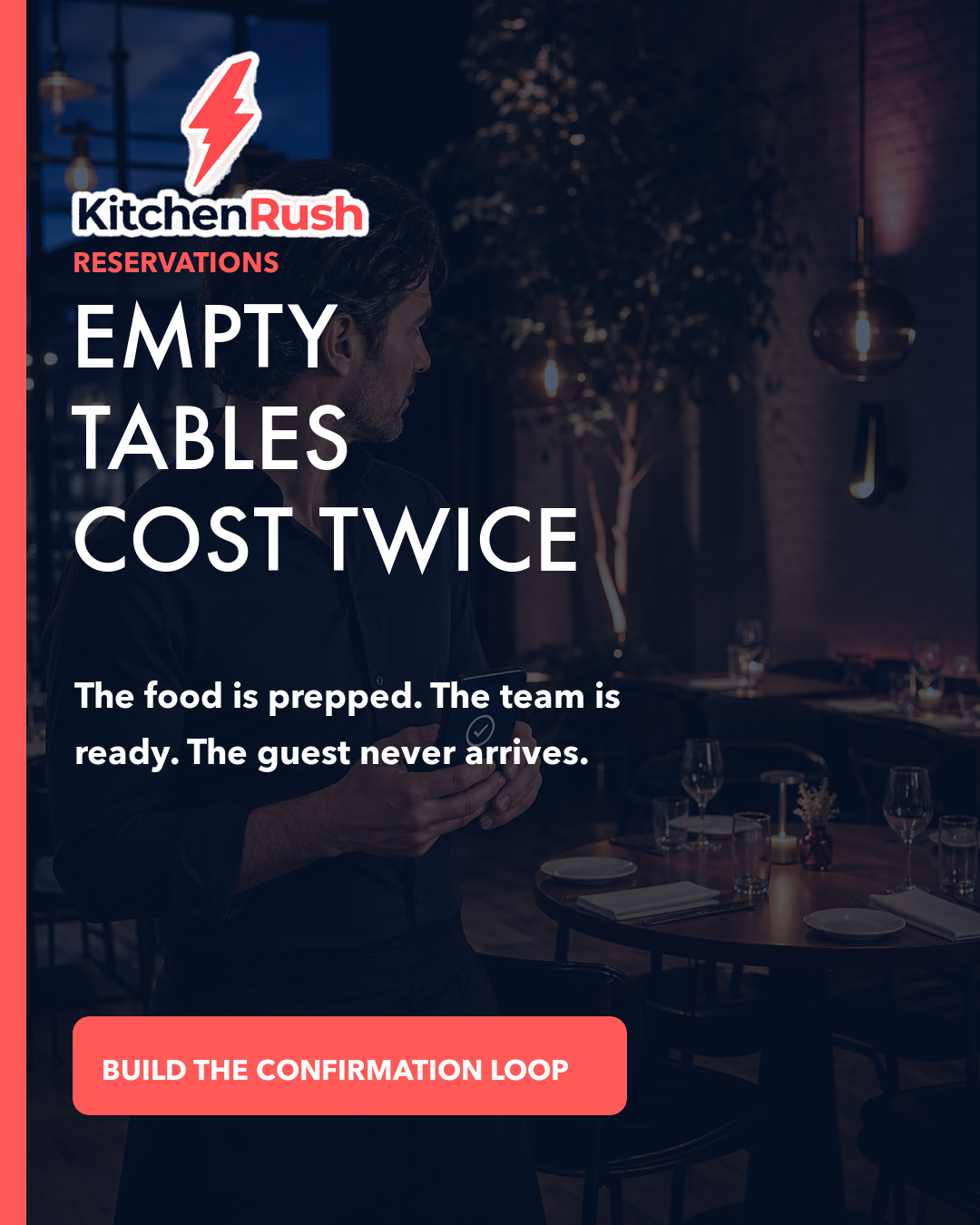
A reservation feels like revenue. The table is on the book, the kitchen plans for the cover, and the team protects the seating window. Then the guest does not arrive.
The restaurant absorbs the loss twice. First, the expected sale disappears. Second, the team has already committed prep, labor, and table inventory to a guest who is not in the room.
Independent operators do not need another broad marketing campaign to solve that gap. They need a short reservation workflow that moves every booking through four clear stages: confirm, remind, release, refill. That loop protects the demand the restaurant already earned.
Why no-shows are a systems problem
Guests miss reservations for many reasons. Plans change, calendars get crowded, a party size shifts, or someone assumes cancelling will be difficult.
The restaurant cannot eliminate every change of plan. It can make the next action obvious. When the guest can confirm or cancel in one step, the restaurant gets useful information earlier. When an opening becomes visible quickly, a waitlist guest or nearby diner has a chance to take it.
The system should not rely on a host remembering to make calls during the busiest part of the day. It should create a consistent path that supports the front-of-house team while they focus on the guests already in the building.
Step 1: Confirm
Send the first confirmation immediately after the reservation is created.
The message should include the restaurant name, date and time, party size, location, a simple way to confirm, a simple way to change or cancel, and any deposit or arrival policy already disclosed during booking.
Do not bury the action in a long paragraph. A guest should understand the booking and respond in seconds.
The confirmation also gives the restaurant a clean data point. A confirmed reservation carries more confidence than an untouched reservation. A requested change can be resolved before the dining room plan hardens around the original booking.
Step 2: Remind
Send one useful reminder close enough to service that the guest can act, but early enough that the restaurant can respond.
The exact timing depends on the concept, booking lead time, and cancellation policy. A high-demand dinner may need an earlier checkpoint than a casual same-day reservation.
The reminder should not feel like a marketing blast. Restate the time and party size, offer one-tap confirmation, make cancellation or modification easy, and include arrival information that prevents friction.
Useful details may include parking, entrance instructions, grace period, or how to contact the host. The restaurant is not merely asking, “Are you coming?” It is helping the guest complete the plan.
Step 3: Release
A cancellation is disappointing, but a late hidden cancellation is worse.
Make release easy for the guest and fast for the team. When a guest cancels, the table should move back into available inventory without waiting for someone to reconcile a voicemail, email, social message, and reservation book manually.
The restaurant should also define when an unconfirmed reservation needs human review. That does not mean automatically deleting every booking that has not clicked a button. It means giving the host a clear list of uncertain covers before service.
For large parties, peak windows, or special events, the restaurant may use deposits or card holds where appropriate and clearly disclosed. Policies should be consistent, visible, and proportional to the risk.
The objective is not to punish guests. It is to create a fair exchange: the restaurant protects scarce table inventory, and the guest gets a transparent way to change plans.
Step 4: Refill
An open table is perishable inventory. Once the seating window passes, it cannot be sold tomorrow.
Refill the opening through the fastest relevant channel:
- Notify the waitlist.
- Message guests who requested a nearby time.
- Update live reservation availability.
- Publish a restrained same-day local post.
- Share the opening through an owned guest channel when consent allows.
- Let the host see the opening clearly during incoming calls and messages.
Avoid desperate language or a large blanket discount. The value is availability.
A simple message such as “Two seats just opened at 7:15 tonight” gives a local guest a clear reason to act. It also protects the restaurant’s brand and margin better than discounting the entire service.
Build the loop around the guest
Automation should make hospitality easier, not colder.
Use the guest’s preferred channel when possible. Keep the message concise. Make every button and link work on a phone. Do not force someone to create an account just to cancel responsibly.
The tone should be direct and warm: “You’re confirmed,” “Plans changed? Update your reservation here,” “We’re holding your table for 15 minutes,” or “A table opened tonight.”
Clarity reduces anxiety for the guest and manual work for the team.
Give the front-of-house team one view
Reservation demand often arrives through more than one place: booking platforms, phone calls, email, website forms, social messages, Google Business Profile, and walk-in or waitlist conversations.
The risk is not only the no-show. It is the disconnect between channels.
A host should not need to check five inboxes to understand whether a party confirmed, cancelled, or asked to move from 7:00 to 7:30. One operating view reduces double-booking risk, shortens response time, and makes the refill step possible.
The same view should separate confirmed, awaiting response, change requested, cancelled, released, and refilled reservations. Those statuses turn a static list into a working demand pipeline.
Measure the right numbers
Track a small set of metrics before adding complexity:
- Confirmation rate
- No-show rate
- Cancellation lead time
- Percentage of released tables refilled
- Covers recovered from the waitlist
- Staff time spent on manual confirmation
Compare by daypart, party size, booking source, and lead time.
Patterns matter. If large parties booked far in advance create most of the uncertainty, the restaurant can adjust the confirmation timing or policy for that specific case. If same-day reservations reliably arrive, they should not inherit unnecessary friction.
The goal is not to make every guest pass through the strictest rule. It is to match the workflow to real risk.
Protect consent and trust
Reservation messages are operational communications, but restaurants should still handle guest data carefully.
Collect only what the workflow needs. Respect channel consent. Keep promotional messages separate from essential reservation updates. Give guests a clear way to change communication preferences.
Trust is part of the confirmation loop. A guest who expects a useful reminder is more likely to engage with it. A guest who receives unrelated promotional noise may ignore the message that actually matters.
What KitchenRush adds
KitchenRush helps independent restaurant owners consolidate the work that usually lives across disconnected tools.
The reservation confirmation loop becomes stronger when guest messages, inquiries, local marketing, and operating context can move together. A cancelled table can become visible to the right team member. A local availability post can be created from a real opening. A guest response can stay attached to the same relationship instead of disappearing into another inbox.
This is the enterprise advantage independent operators deserve: not more software to manage, but a clearer operating flow.
Start with one service window
Choose one high-value service window and run the four-step loop for two weeks. Confirm every booking. Send one useful reminder. Make cancellation easy. Record every released table and whether it was refilled.
At the end of the test, compare no-shows, lead time, and recovered covers with the prior two weeks.
The restaurant has already earned the guest’s intent. The confirmation loop helps turn that intent into a seat.
Ready to connect reservations, guest messages, and local demand? Explore KitchenRush.
Visual version
Carousel companion for the same topic.