Take the useful details with you.
Review orders, revenue, and operating signals away from the desktop.


Know what needs your attention while you’re away from the restaurant. Check today’s orders, sales, and alerts from your phone.
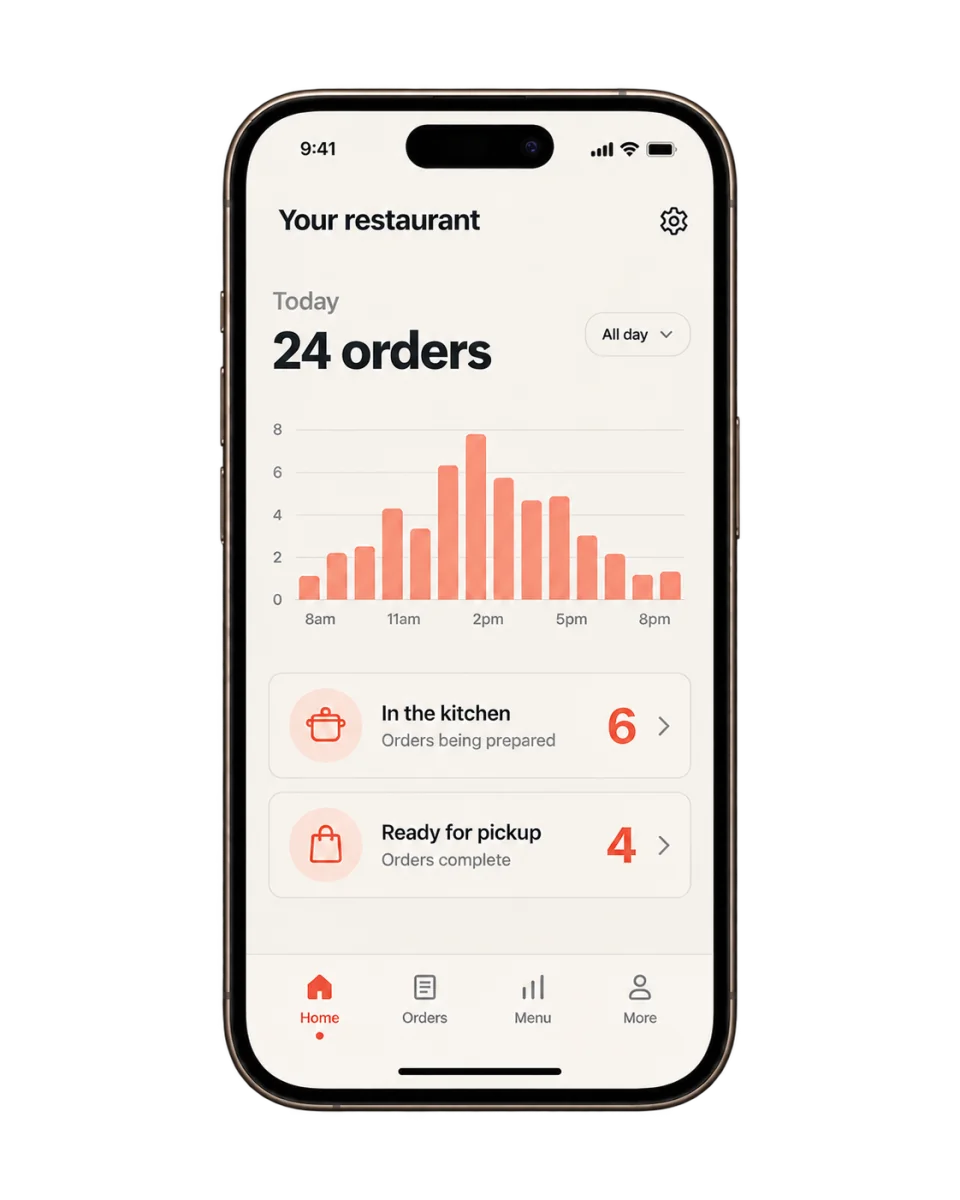
Check the pulse of a location, then open the order behind it. The details stay together.
Available actions depend on your role. Activity and freshness depend on the connected restaurant systems.
Review orders, revenue, and operating signals away from the desktop.
Receive configured alerts for material restaurant events.
Act on supported workflows subject to role permissions and confirmations.
We’ll walk through your workflow, the right plan, and any setup requirements together.
Compare plansWhat you can check from your phone and what to confirm before your team starts using it.
The KitchenRush owner app lets operators check supported restaurant activity from a phone, including orders, sales, and alerts. It helps you see what needs attention while you are away from the restaurant.
Access should follow each person's responsibilities. Confirm the available roles and permissions before inviting managers or staff.
No. It is the mobile control surface for supported KitchenRush workflows; the exact systems it can replace or connect depend on your selected setup.
Refresh timing depends on each source and connection. Operators should be able to identify delayed data and verify time-sensitive decisions against the system of record.
Sensitive actions such as refunds, publishing, permission changes, and account settings should follow role-based access and appropriate confirmation for the restaurant's operating policy.
Start with what would make your day easier. We’ll take it from there.
Let’s talk about your restaurant