Your restaurant, one tap away.
Present the restaurant’s logo, colors, and menu in a guest-facing app.


Make it easier for guests to choose you again. Put ordering, familiar favorites, and rewards in an app that carries your restaurant’s name.
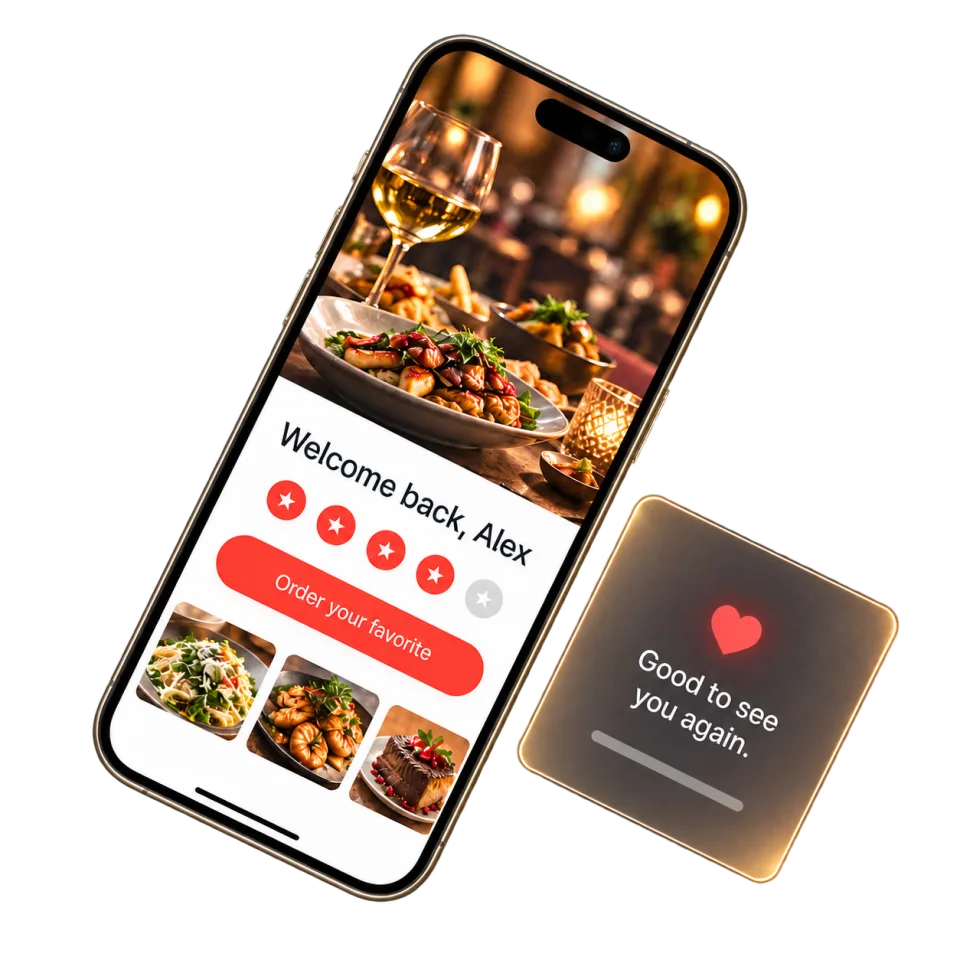
A restaurant guests recognize. Favorites they remember. A shorter path back to a meal they love.
Your menu, your colors, and a welcome that feels like you.
Good to see you, Alex.
Present the restaurant’s logo, colors, and menu in a guest-facing app.
Support ordering, account, and loyalty/reward experiences.
Support guest-approved notifications and useful return-visit updates.
Branded mobile apps are included in Growth and Pro. Publishing timing depends on app-store review.
Compare plansHow a branded app can make the next order easier, and what goes into launching it.
A branded restaurant app puts supported ordering, account, and loyalty experiences under your restaurant’s name. It gives returning guests a familiar place to find a favorite meal and place their next order.
An app can make repeat interactions more convenient when the restaurant offers a clear reason to return, such as easy reordering, useful updates, or loyalty access.
Launch planning includes brand assets, menu and account setup, store-listing requirements, testing, and approval processes that can vary by app marketplace.
Ownership and publishing responsibilities should be documented before launch. Confirm the developer account, listing access, release approvals, maintenance process, and exit arrangements in writing.
Yes. The app should request permission clearly, respect device and account preferences, and give guests a practical way to change their communication choices.
Start with what would make your day easier. We’ll take it from there.
Let’s talk about your restaurant