POS Integrations
Give your team fewer details to enter twice. Connect direct orders and menu updates with a compatible POS, keeping the important details attached.
Take a closer look

Connect supported restaurant workflows around your existing setup. Start with the systems your team already knows.
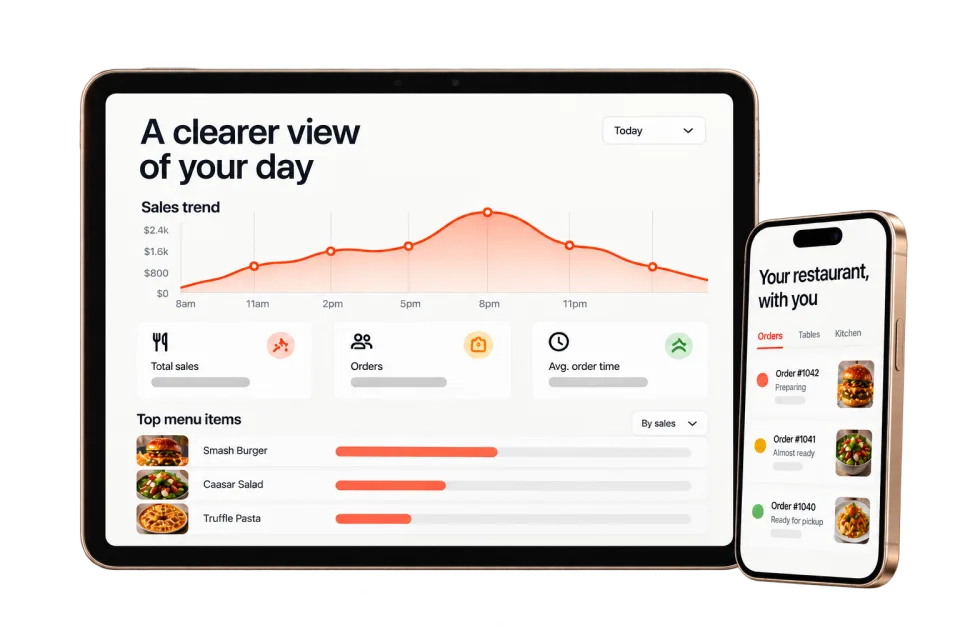
An order placed on your website reaches your connected POS with the items, special instructions, and pickup time attached.
Your team’s familiar place
to pick things up.
Available workflows, sync direction, and supported details depend on your POS and setup.
Give your team fewer details to enter twice. Connect direct orders and menu updates with a compatible POS, keeping the important details attached.
Take a closer lookMake the next order a direct one. Let guests choose their meal, customize it, and order pickup or delivery through your own branded menu.
Take a closer lookGive the whole line a clear next move. Keep items, modifiers, timing, and order status together from the first ticket to the final handoff.
Take a closer lookReview the workflow, requirements, and current terms that matter for this part of KitchenRush.
KitchenRush connects restaurant growth and operating workflows; whether it replaces or works alongside a POS depends on the selected setup.
Possibly. Confirm the exact system and required workflows before assuming an integration or replacement path is available.
Test order accuracy, menu synchronization, payment and refund flows, kitchen routing, reporting, permissions, and outage procedures.
Start with what would make your day easier. We’ll take it from there.
Let’s talk about your restaurant